
Table of Contents
Best Ai tools for beginners (from someone who learned the hard way)
The first time I tried one of these tools, I didn’t feel smart.
I actually felt a bit behind.
Everyone around me seemed to be moving faster—writing quicker, designing cleaner, juggling work without drowning in browser tabs. I remember staring at my screen and thinking, Okay… so when did everyone else figure this out?
Then I did what most beginners do.
I tried everything. All at once.
That didn’t go well.
What followed was confusion, half-finished experiments, and a quiet realization that tools don’t help if you don’t know why you’re using them.
Start with one tool that helps you think, not just produce
Beginners usually chase tools that promise to “do it all.”
I get it. I did the same.
But what actually helped me early on wasn’t speed.
It was clarity. Slowing down just enough to understand what I was even trying to say or build.
I started using OpenAI’s ChatGPT in a very basic way. Almost like talking to myself, but with structure. At first, my questions were messy. The answers weren’t great either.
That’s normal.
The shift happened when I stopped asking it to complete my work and started asking it to untangle my thoughts.
Explain this concept.
Rewrite this paragraph, but keep it simple.
Show me an example so I can see what “good” looks like.
One thing I’ve learned the hard way—if you copy without thinking, your work loses weight. People can feel it, even if they can’t explain why.
Use it to think better. Not to disappear from the process.
Design without being “a designer”
I’ll say it plainly.
I’m not a designer. Never claimed to be.
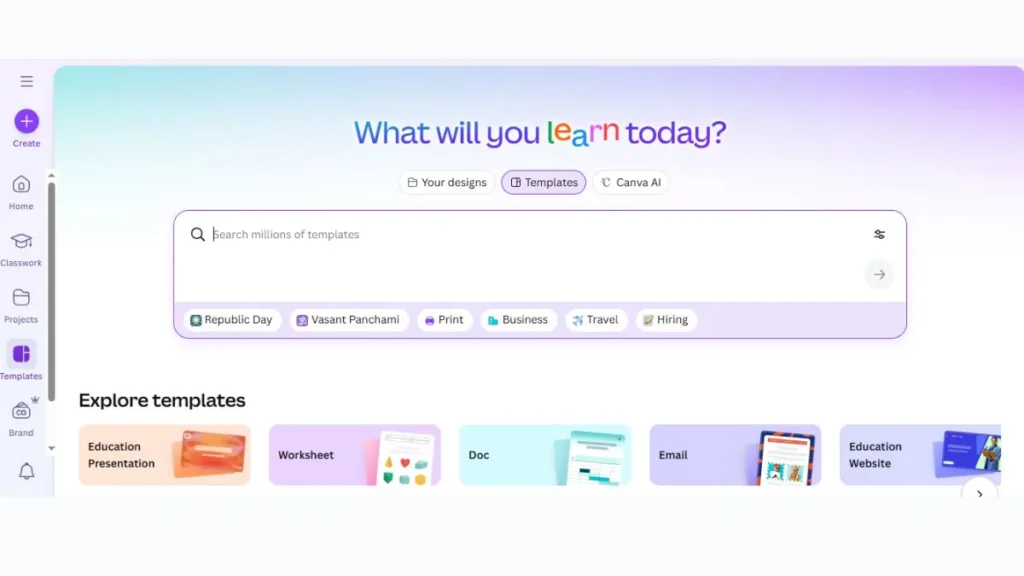
That’s exactly why Canva worked for me when I was starting out. It removes that awful friction of staring at a blank canvas, wondering why everything you make looks… slightly wrong.
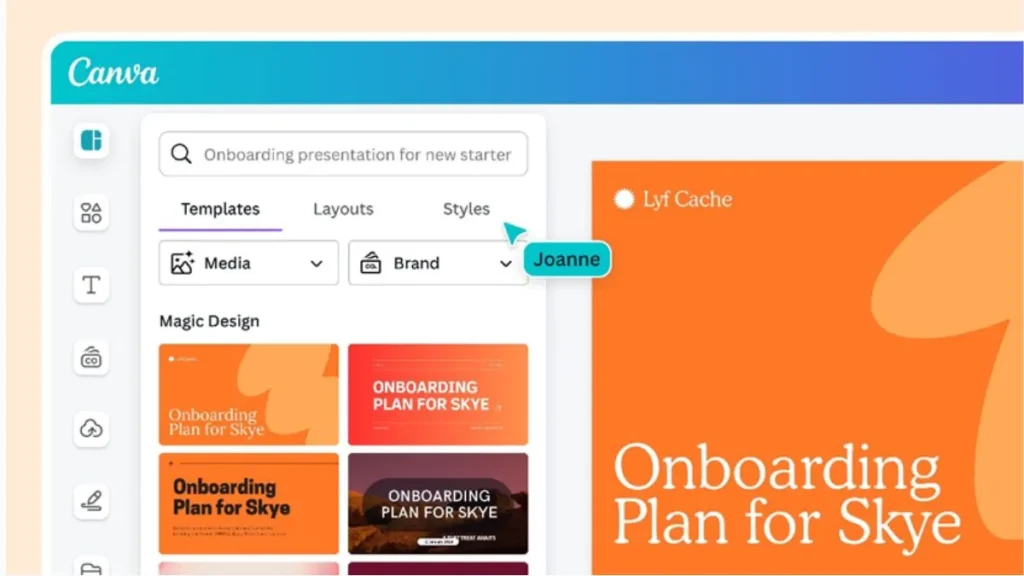
In the beginning, I leaned way too hard on templates. Everything I created looked the same. Same vibe. Same structure. Same mistakes.
Then I learned something small that changed everything:
change less.
One font tweak.
More spacing.
One color adjustment.
Stop there.
Clean beats clever, especially early on.
You don’t need originality on day one.
You need things that don’t look broken.
Writing help that doesn’t erase your voice
I avoided this longer than I should have.
Grammarly felt unnecessary at first. I was worried it would sand down my voice and turn everything into corporate mush.
That didn’t really happen.
What it did catch were the tiny things I was too tired to notice. Repeated words. Clunky sentences. Errors that sneak in when you reread your own writing too many times.
Here’s the part people don’t tell beginners:
you don’t have to accept every suggestion.
I ignore plenty of them. Some corrections are technically right but emotionally wrong. You’ll feel that difference with time.
Think of it less as a rulebook and more as a second set of eyes.
Organizing chaos (this one creeps up quietly)
Nobody talks about organization at the start.
Probably because it doesn’t feel exciting.
But chaos builds slowly. Notes in one app. Ideas in another. Links saved somewhere you’ll never check again.
That’s where Notion found its place in my workflow. Not because it’s perfect. Because it bends to how you think.
My early setups were ugly. Really ugly.
Random pages. No system. Half-working dashboards.
And yet… things stopped slipping through the cracks.
One caution here—I’ve lost entire afternoons “optimizing” systems instead of doing real work. It’s a trap. Keep it boring. A notes page. A task list. That’s enough for longer than you think.
Visual creation (only if it actually fits your work)
This one’s tempting.
Almost too tempting.
I played around with Midjourney out of curiosity. At first, it felt incredible. Type a few words. Get something stunning.
Then I noticed something uncomfortable.
I was creating more images than value.
If you’re into content creation, branding, or visual storytelling, tools like this can help. If not, they’re just another distraction wearing a shiny jacket.
This is a “later” tool. Not a starting one.
A mistake I still see beginners make (and yes, I made it too)
Tool-hopping.
One week it’s writing.
Next week it’s design.
Then automation.
Then some new thing everyone’s suddenly talking about.
Nothing sticks. Progress feels busy but shallow.
From what I’ve seen, the people who move fastest usually choose two or three tools and stay with them longer than feels comfortable. They learn the edges. The limits. The quirks.
Missing out feels worse than it actually is.
Where this really leaves you
Probably curious. Maybe slightly overwhelmed. That’s fine. That’s part of it.
These Ai tools won’t fix unclear thinking or inconsistent effort. They won’t magically make work meaningful. But used carefully, they remove friction. They give you breathing room.
I remember the moment things started to feel lighter.
It wasn’t when I discovered something new.
It was when I stopped chasing everything else.
That quiet decision changed more than any tool ever did.